Terminals and Shell Commands
What is a Terminal?
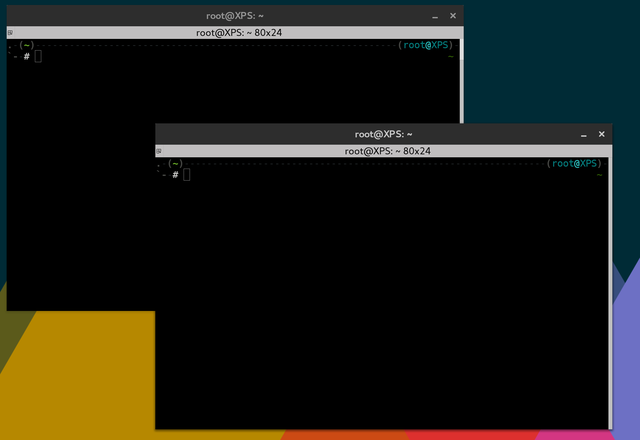
You might have seen these in those hacker movies. The terminal allows the user to gain access to the computer. However there is much more than just that.
What is a TTY? Are they the same?
Often they are said interchangably and they do essentially the same thing. However a key characteristic is that a TTY is provided by the system and the terminal is run on a TTY. While there is no real difference between them unless further examination.
How do I open a Terminal?
On windows you can do this by pressing 'windows key' (windows logo) + 'X'.
Commands on the Terminal
dir - list (dir)ectories.cd - (c)hange (d)irectory - Changes to a different folder or directory.
mkdir - (m)a(k)e (dir)ectory - Creates a new folder or directory.
rm - (r)e(m)oves a file.
mv - (m)o(v)e a file or can be used to rename a file.
cp - (c)o(p)y a file to another location.
grep - prints lines that match the pattern.
touch - creates a file.
cat - prints out the contents of a file.
echo - prints the string.
>> - appending output without removing previous text in a file.
> - rewriting the output to a file.
| - pipes the output.
shutdown - causes the computer to shutdown.
reboot - causes the computer to reboot.
man - searches for the documentation of a certain command.
whatis - provides a one line description of the command.
whoami - returns the user.
find - searches for a file.
Usage of Commands:
Changing/Making/Removing a File
touch text.txt - creates a file called 'text.txt'.
echo "some text" >> text.txt - writes 'some text' into a file called 'text.txt'.
echo "some other text" > text.txt - rewrites 'some other text' into a file called 'text.txt'.
echo "" > text.txt - easy trick to truncate a file without removing it.
Changing/Making/Removing Directories
mkdir somedirectory - creates a directory called 'somedirectory'.
rmdir somedirectory - removes a directory called 'somedirectory'.
rmdir -r somedirectory - removes a directory and all of the contents in 'somedirectory'.
cd ~ - changes to the home directory.
cd / - changes to the root directory.
cd .. - moves down a directory.
Miscellaneous
man man - provides information on the man command itself.
ls | grep "word" - this will highlight any directory that contains the pattern "word".
find -name "*.pdf" - searches for all pdf files.
cat text.txt - quick way to display the contents of a text file in this case will display the contents of text.txt.
pwd - displays the current directory that you are in.
cp file.txt /home/file.txt - copies the file to the home directory saved as file.txt.
cp /home/* /etc - copies all the home files to /etc directory.